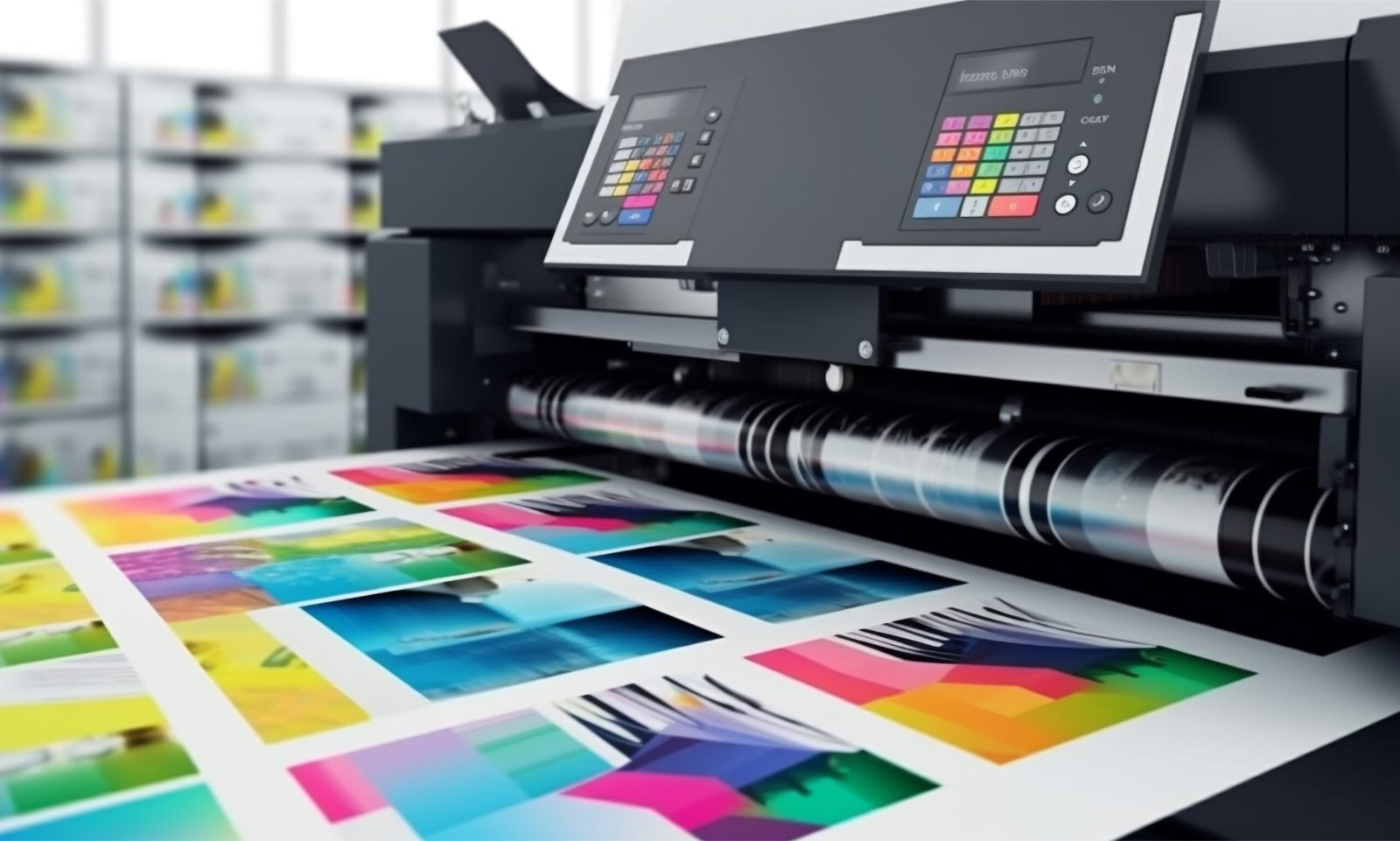
Printing remains one of the most powerful ways to communicate, promote a business, build brand recognition, and create lasting impressions. From business cards and brochures to banners, packaging, books, and promotional materials, professionally printed products help businesses and individuals present their ideas in a tangible and memorable way.
However, choosing the right printing method, paper type, size, finishing, and quantity can sometimes be confusing, especially if you are ordering printed materials for the first time.
At Fuji Digital Solutions Pvt Ltd, we believe every customer should understand the printing process before placing an order. This guide covers everything you need to know about printing, from selecting materials and preparing artwork to choosing finishing options and receiving your final products.
Let’s explore the world of printing!
What Is Printing?
Printing is the process of transferring text, images, graphics, or designs onto physical materials such as paper, cardboard, vinyl, fabric, and other printable surfaces.
Businesses use printing for marketing, advertising, branding, communication, packaging, and everyday operations.
Some common printed products include:
- Business Cards
- Flyers and Leaflets
- Brochures and Booklets
- Posters
- Banners and Signage
- Letterheads and Envelopes
- Corporate ID Cards
- Certificates
- Invitations
- Product Labels and Stickers
- Packaging Materials
- Books and Magazines
- Promotional Items
Choosing the right printing solution ensures your materials look professional, communicate effectively, and represent your brand correctly.
Different Types of Printing Methods
Not all printing methods are the same. Each technique has its own advantages depending on the project, quantity, material, budget, and expected quality.
A. Digital Printing
Digital printing transfers digital artwork directly onto the printing surface without requiring traditional printing plates.
It is ideal for short-run printing, customised materials, and projects that require quick turnaround times.
Best for:
- Business Cards
- Flyers and Leaflets
- Brochures
- Invitations
- Certificates
- Posters
- Short-run Booklets
- Personalised Printing
Advantages:
- Suitable for small quantities.
- Faster production for many short-run jobs.
- Easy artwork customisation.
- Cost-effective for smaller orders.
- No traditional printing plates required.
B. Offset Printing
Offset printing is a traditional printing method where ink is transferred from a printing plate to a rubber blanket and then onto the printing material.
It is particularly suitable for larger quantities where consistent colour reproduction and lower unit costs are important.
Best for:
- Magazines
- Books
- Catalogues
- Brochures
- Corporate Stationery
- Large-Quantity Flyers
- Annual Reports
Advantages:
- Excellent print quality.
- Consistent colour reproduction.
- Economical for larger quantities.
- Wide selection of paper stocks.
- Supports various professional finishing options.
C. Large Format Printing
Large format printing is used to produce oversized graphics for advertising, branding, events, and promotional displays.
Best for:
- Banners
- Posters
- Roll-up Banners
- X Banners
- Shop Signage
- Wall Graphics
- Vehicle Graphics
- Event Displays
- Window Graphics
Advantages:
- Creates strong visual impact.
- Suitable for indoor and outdoor advertising.
- Supports large dimensions.
- Available on different printable materials.
D. Screen Printing
Screen printing uses a mesh screen to transfer ink onto a surface. It is commonly used for promotional products, apparel, and selected speciality printing applications.
Best for:
- T-shirts
- Fabric Bags
- Promotional Products
- Selected Plastic Products
- Merchandise
Advantages:
- Durable prints on suitable materials.
- Suitable for repeated production.
- Can produce vibrant colours.
- Works on various flat and selected shaped surfaces.
Understanding Paper Types and Paper Quality
Paper selection plays an important role in the appearance, durability, and overall quality of printed products.
Different paper types are suitable for different purposes.
A. Art Paper
Art paper has a smooth, coated surface that provides excellent image reproduction and vibrant colours.
It is available in two common finishes:
Gloss Art Paper: Has a shiny surface that enhances colour vibrancy and image contrast.
Matt Art Paper: Has a smooth, non-glossy surface that gives a more elegant and professional appearance.
Common uses:
- Flyers
- Brochures
- Posters
- Booklets
- Catalogues
- Leaflets
B. Bond Paper
Bond paper is an uncoated paper commonly used for everyday business and office printing.
Common uses:
- Letterheads
- Documents
- Forms
- Reports
- Office Stationery
C. Card Stock
Card stock is thicker and more rigid than ordinary paper. It is suitable for products that need extra strength and durability.
Common uses:
- Business Cards
- Invitations
- Certificates
- Greeting Cards
- Product Tags
- Covers
D. Kraft Paper
Kraft paper has a natural brown appearance and is often selected for its rustic, simple, and environmentally conscious visual appeal.
Common uses:
- Packaging
- Paper Bags
- Product Tags
- Labels
- Wrapping Materials
E. Textured Paper
Textured paper features a special surface that creates a distinctive look and feel.
Common uses:
- Premium Invitations
- Certificates
- Luxury Business Cards
- Special Event Stationery
- Premium Branding Materials
F. Sticker Paper and Adhesive Materials
Sticker materials are designed with an adhesive backing, allowing them to stick to different surfaces.
Common options include:
- Paper Stickers
- PVC Stickers
- Transparent Stickers
- Waterproof Stickers
- Vinyl Stickers
Common uses:
- Product Labels
- Packaging
- Branding
- Promotional Stickers
- Vehicle Graphics
- Window Graphics
Understanding Paper GSM
One of the most common questions customers ask is: What does GSM mean?
GSM stands for Grams per Square Metre. It measures the weight of paper per square metre and is commonly used as an indication of paper thickness and substance.
Generally, higher GSM paper feels heavier and more substantial, although actual thickness and stiffness also depend on the paper type and manufacturing process.
Here is a general guide:
| GSM | Common Applications |
|---|---|
| 70–80 GSM | Office documents and letterheads |
| 100–120 GSM | Flyers, inserts and everyday promotional materials |
| 130–150 GSM | Flyers, brochures and leaflets |
| 170–200 GSM | Brochures, booklet pages and promotional materials |
| 250–300 GSM | Business cards, invitations and covers |
| 350–400 GSM | Premium business cards and rigid printed products |
Important: These are general guidelines, not fixed industry standards. The appropriate GSM depends on the product, paper type, printing method, and intended use.
Understanding Printing Sizes
Selecting the correct printing size is important because it affects the layout, readability, material usage, and overall appearance of your printed product.
Here are some commonly used international paper sizes:
| Paper Size | Dimensions (mm) | Common Uses |
|---|---|---|
| A0 | 841 × 1189 | Large Posters |
| A1 | 594 × 841 | Posters and Displays |
| A2 | 420 × 594 | Posters |
| A3 | 297 × 420 | Posters and Brochures |
| A4 | 210 × 297 | Documents and Flyers |
| A5 | 148 × 210 | Booklets and Flyers |
| A6 | 105 × 148 | Postcards and Invitations |
| DL | 99 × 210 | DL Flyers and Envelopes |
Custom sizes are also available depending on your printing requirements.
Printing Finishing Options
Printing does not end when the ink is transferred onto the paper. Finishing processes improve the appearance, durability, functionality, and overall presentation of printed products.
Here are some popular finishing options.
A. Matt Lamination
Matt lamination adds a smooth, non-glossy protective layer to printed materials.
Benefits:
- Elegant appearance.
- Reduced surface glare.
- Improved surface protection.
- Premium professional finish.
B. Gloss Lamination
Gloss lamination adds a shiny protective layer that enhances colour vibrancy.
Benefits:
- Bright and attractive appearance.
- Enhanced colour presentation.
- Improved surface protection.
- Easy-to-clean surface.
C. Spot UV
Spot UV is a finishing technique that applies a glossy coating to selected areas of a printed design.
It is commonly used to highlight logos, text, graphics, and other important design elements.
D. Foiling
Foiling adds a metallic or specially coloured finish to selected areas of a printed product.
Popular options include:
- Gold Foiling
- Silver Foiling
- Rose Gold Foiling
- Holographic Foiling
It is commonly used for premium business cards, invitations, certificates, and packaging.
E. Embossing
Embossing creates a raised effect on selected areas of a printed surface, adding texture and a premium three-dimensional appearance.
F. Debossing
Debossing creates an indented effect by pressing a design into the surface of the material.
G. Die Cutting
Die cutting uses a specially shaped cutting tool to create custom shapes and designs.
Common applications:
- Custom Stickers
- Packaging
- Product Tags
- Special-Shaped Business Cards
- Presentation Folders
H. Binding Options
Binding is the process of joining printed pages together to create books, booklets, reports, and other multi-page products.
Common binding methods include:
- Saddle Stitching: Pages are folded and secured using staples along the spine.
- Perfect Binding: Pages are glued together along the spine to create a professional book-like finish.
- Wire-O Binding: Pages are joined using a double-loop wire binding.
- Spiral Binding: Pages are connected using a continuous plastic or metal spiral.
The right binding option depends on the number of pages, paper thickness, purpose, and desired appearance.
How to Prepare Artwork for Professional Printing
Preparing your artwork correctly is one of the most important steps in achieving a high-quality printing result.
Incorrect file settings can cause unwanted white borders, blurry images, incorrect colours, and layout problems.
Follow these guidelines before submitting your artwork.
A. Use High-Resolution Images
For most standard commercial printing projects, 300 DPI (dots per inch) is recommended for raster images at their final print size.
Low-resolution images may appear pixelated or blurry when printed.
B. Use CMYK Colour Mode
CMYK stands for Cyan, Magenta, Yellow, and Key (Black).
It is the standard colour model used in most commercial printing processes.
RGB (Red, Green, Blue) is primarily used for digital screens.
If your artwork is designed in RGB, colours may appear different after conversion to CMYK.
Tip: Always check your colours in the final CMYK output before approving your artwork.
C. Include Bleed
Bleed is the extra artwork area that extends beyond the final trimming size.
It prevents unwanted white edges when the printed material is cut.
A commonly used bleed allowance is 3 mm on each side, although requirements may vary depending on the printing project.
D. Maintain Safe Margins
Keep important text, logos, and design elements away from the trimming edges.
This helps prevent important content from being accidentally cut during production.
E. Convert Fonts to Outlines
Converting fonts to outlines or embedding fonts in your PDF helps prevent font substitution when your artwork is opened on another computer.
F. Submit Print-Ready PDF Files
PDF is generally the preferred format for professional printing.
Other accepted formats may include:
- AI (Adobe Illustrator)
- PSD (Adobe Photoshop)
- EPS
- TIFF
- High-resolution JPG
- PNG
The accepted file format depends on the printing requirements.
How Many Copies Should You Print?
The quantity you choose can influence the cost per unit and your overall printing budget.
Before placing an order, consider:
- How many customers or people will receive the printed materials?
- Will the materials be used for a single event or throughout the year?
- Do you need additional copies for future use?
- Will the design or information change frequently?
- Is it more economical to print a larger quantity?
For example, printing 1,000 flyers may provide a lower cost per flyer than printing 100 flyers using the same production method.
However, this is not always the case. The most suitable printing method depends on the product, quantity, materials, and finishing requirements.
Our recommendation is to request quotations for different quantities before making your final decision.
What Determines the Cost of Printing?
Printing prices are not based on quantity alone. Several factors contribute to the final quotation.
Here are the main factors:
1. Product Size: Larger products generally require more printing material.
2. Quantity: The number of copies influences production costs and unit pricing.
3. Paper Type: Different paper stocks have different prices.
4. GSM: Heavier paper stocks may cost more depending on the material.
5. Printing Method: Digital, offset, and large format printing have different production costs.
6. Colour Requirements: Full-colour printing and special colour requirements can affect pricing.
7. Finishing Options: Lamination, Spot UV, foiling, embossing, debossing, and die cutting can increase the total cost.
8. Artwork Preparation: Design, layout adjustments, and artwork preparation may involve additional charges.
9. Binding: Different binding methods have different material and production costs.
10. Delivery Requirements: Packaging, transportation, and urgent production requirements may affect the final price.
For an accurate quotation, always provide complete product specifications.
Common Printing Mistakes to Avoid
Even a well-designed artwork can produce disappointing results if important printing requirements are overlooked.
Avoid these common mistakes:
- Submitting low-resolution images.
- Using RGB colours without checking the CMYK output.
- Forgetting to include bleed.
- Placing important text too close to the edges.
- Selecting the wrong paper GSM.
- Choosing unsuitable paper for the intended purpose.
- Ignoring the finishing requirements.
- Not checking spelling and grammar.
- Approving artwork without reviewing the final proof.
- Ordering an incorrect quantity.
- Providing incomplete printing specifications.
Taking a few minutes to review your artwork and specifications can save time, money, and unnecessary production delays.
What Is a Printing Proof?
A printing proof is a preview or sample used to check your artwork before the full production process begins.
It allows customers to review the design, layout, colours, spelling, images, and other important details.
There are different types of proofs:
Digital Proof: A digital PDF or image showing how the final design is expected to look.
Hard Copy Proof: A physical printed sample used to review the appearance and material.
Production Sample: A sample produced using the intended production method and materials, where available.
Before approving a proof, check:
- Spelling and grammar.
- Names and contact details.
- Logo placement.
- Image quality.
- Text alignment.
- Colours and design elements.
- Final dimensions.
- Bleed and safe margins.
Once artwork is approved, any subsequent changes may require additional costs and production time.
How to Place a Printing Order
Ordering printed products should be a straightforward process when you have the correct information.
At Fuji Digital Solutions Pvt Ltd, our recommended ordering process follows these steps:
Step 1: Select Your Product
Choose what you need, whether it is business cards, flyers, brochures, banners, stickers, packaging, or another printed product.
Step 2: Share Your Requirements
Provide the product size, quantity, paper type, GSM, printing specifications, and any special finishing requirements.
Step 3: Submit Your Artwork
Share your print-ready artwork or request professional design assistance if you need help creating it.
Step 4: Receive Your Quotation
Review the quotation, including the product specifications, quantity, pricing, and estimated production timeline.
Step 5: Confirm Your Order
Once you approve the quotation and complete the required payment arrangements, your order can proceed.
Step 6: Artwork Approval
Review and approve the final artwork or proof before production.
Step 7: Printing and Production
Your approved order moves into the relevant printing and finishing processes.
Step 8: Quality Checking and Delivery
The completed products undergo the applicable quality checks before collection or delivery arrangements.
How to Choose the Right Printing Company
Selecting a reliable printing partner is just as important as selecting the right design.
Before choosing a printing company, consider the following:
- Printing Quality: Check previous work and sample products.
- Experience: Look for a provider with experience in your required printing category.
- Material Options: Make sure they offer suitable paper stocks and printing materials.
- Finishing Capabilities: Check whether they can provide the finishing options you need.
- Communication: Choose a company that understands your requirements and provides clear information.
- Pricing Transparency: Request a detailed quotation.
- Production Timeline: Confirm the estimated completion date before placing your order.
- Customer Support: Choose a provider who can guide you through the printing process.
A good printing partner should help you find the right balance between quality, budget, and functionality.
Frequently Asked Questions About Printing
Q1. What is the best paper GSM for business cards?
Business cards commonly use 250–400 GSM card stocks, depending on the desired thickness, durability, and finish.
Q2. What is the difference between digital and offset printing?
Digital printing is generally suitable for smaller quantities and customised jobs, while offset printing is often more economical for larger production runs.
Q3. What file format should I submit for printing?
A high-quality, print-ready PDF is generally preferred. However, some projects may require AI, PSD, EPS, or other formats.
Q4. Why do printed colours look different from screen colours?
Screens use RGB colours, while most commercial printing uses CMYK. Differences in colour systems, materials, and printing conditions can affect the final appearance.
Q5. What is bleed in printing?
Bleed is additional artwork that extends beyond the final cutting size to prevent unwanted white edges after trimming.
Q6. What is the difference between matt and gloss lamination?
Matt lamination provides a smooth, non-shiny appearance, while gloss lamination creates a shiny finish that enhances colour vibrancy.
Q7. Can I print a small quantity?
Yes. Digital printing is often a suitable option for smaller quantities, depending on the product and specifications.
Q8. Can I request a custom printing size?
Yes. Many printing products can be produced in custom sizes depending on the printing method, materials, and production requirements.
Q9. Can you design my printing artwork?
Professional graphic design and artwork preparation can be arranged if you do not already have print-ready files.
Q10. How long does printing take?
Production time depends on the product, quantity, printing method, finishing requirements, and current production schedule. Always confirm the estimated completion date before confirming your order.
Q11. What are Spot UV, Foiling, Embossing, and Debossing?
These are speciality finishing techniques used to enhance printed products. Spot UV adds selected glossy areas, foiling creates metallic effects, embossing produces raised details, and debossing creates recessed details.
Q12. Is it possible to print on both sides of paper?
Yes. Double-sided printing is available for many products, including business cards, flyers, brochures, and booklets.
Q13. Can I see a sample before placing a large order?
Depending on the product and production method, digital proofs or physical samples may be available. Confirm sample availability and any associated charges before ordering.
Q14. What information should I provide to get an accurate quotation?
Provide the product name, dimensions, quantity, paper or material type, GSM, printing sides, finishing requirements, artwork availability, and required delivery date.
Q15. Can I request urgent printing?
Urgent printing may be possible depending on the product, quantity, artwork readiness, and production schedule. Contact the printing provider to confirm availability.
Your Printing Partner – Fuji Digital Solutions Pvt Ltd
At Fuji Digital Solutions Pvt Ltd, we understand that every printed product represents your business, brand, or personal occasion.
Whether you are a startup looking for professional business cards, a company preparing marketing materials, an organisation arranging an event, or a publisher producing books, choosing the right printing solution makes a difference.
We provide a range of creative, printing, and digital solutions to support your business requirements.
Our Printing and Creative Services Include:
- Business Cards and Corporate Stationery
- Flyers, Leaflets and Brochures
- Booklets, Books and Book Publishing
- Posters and Large Format Printing
- Banners and Signage
- Stickers and Product Labels
- Packaging Design and Printing
- Certificates and Invitations
- Corporate Gifts and Promotional Products
- Graphic Design and Branding
- Digital Printing and Commercial Printing
- Custom Printing Solutions
Our goal is to help customers transform their ideas into professionally presented products through creative design and quality-focused printing solutions.
Ready to Bring Your Ideas to Print?
Whether you need 100 business cards or thousands of promotional materials, we are here to help you find the right printing solution.
Contact Fuji Digital Solutions Pvt Ltd today and let us help you turn your ideas into something tangible.
Fuji Digital Solutions Pvt Ltd – Creative Design. Quality Printing. Digital Solutions.